

Most advice about AI writers stops at “check the facts before you publish.” This article gives you the actual test: one long business blog post brief, two tools, and a scoring method you can repeat with Jasper AI, Claude, or any other writer you try later. The comparison of Jasper AI vs Claude for blog writing below uses only two measures: technical accuracy and readability for a beginner’s business blog.
I am keeping the verdict conditional on purpose. The results depend on your topic and your brief, so run the test on a post you actually need. The method is the part that stays the same every time.
If you want the wider field first, my side-by-side of AI writing assistants on three tasks covers more tools in less depth. (I’ve been researching various platforms throughout my website building.) But this article goes deep on one long post instead.
The one brief to give both tools, and why it must be identical
If the two tools get different instructions, you are comparing your prompts, not the tools. A different word count, a different audience line or an extra source pasted into one of them changes the result. So write the brief once, save it as a text file, and paste it unchanged into both.

A useful brief for a long business blog post has seven parts:
- Topic and angle: one sentence on what the post covers and what it argues.
- Reader: who they are and what they already know. “A beginner building their first business website, no technical background.”
- Length: a number, such as 1,800 words, and the same number for both tools.
- Outline: the H2 headings you want, in order.
- Tone: a short instruction, such as “plain, friendly, factual, no hype.”
- Sources: either a list of pages you will check against afterwards, or text you paste in for the tool to work from. Do the same for both.
- Rules: no invented statistics, no invented prices, no invented quotes, and a flag on anything it is unsure about.
A sample brief, so you can see the level of detail: “Write a 1,800-word blog post for beginners on how to choose a web host for a travel blog. Use these six H2 headings. Plain, friendly tone. Do not state any price, statistic or feature unless it appears in the source text below. If a fact is missing, say so instead of guessing.”
Run each tool once with the brief and save the first draft untouched. That first draft is what you score. If you want to test how each tool responds to corrections, do that as a separate round afterwards, with the same correction message sent to both.
One more point on fairness: pick a topic where you can verify claims yourself. A post about a subject you know well makes errors easy to spot. A post about something obscure makes errors easy to miss, which is exactly the situation where a wrong sentence gets published.
How to fact-check each draft, so you can copy the method
Reading a draft and thinking “that sounds right” is not a fact-check. Language models write confident sentences whether or not the underlying fact is correct, so the method has to force you to look at each claim individually.
Build a claim log
Open a spreadsheet with these columns:
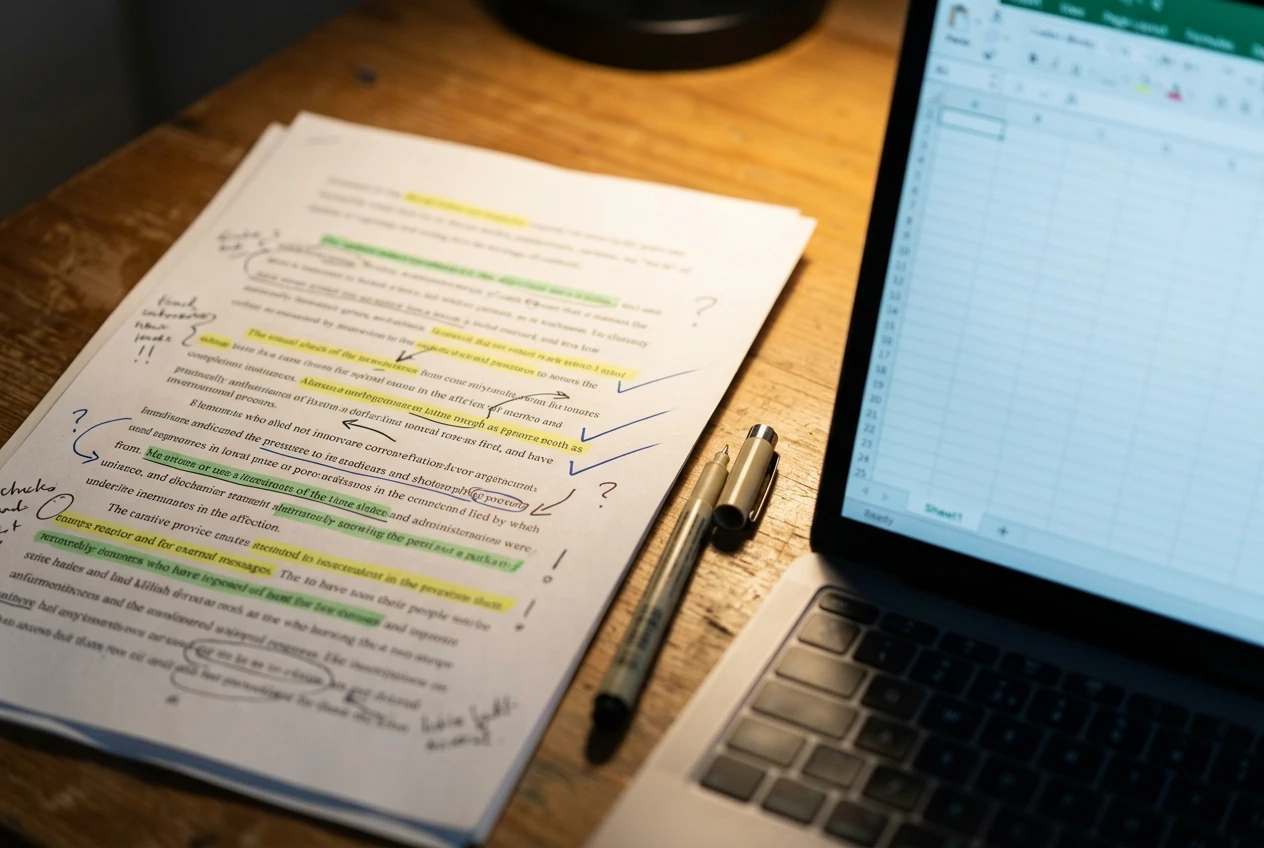
- Line: the sentence or paragraph number in the draft.
- Claim: the statement, copied exactly.
- Type: number, name, date, procedure, feature, legal or general advice.
- Source: the page you checked it against.
- Result: confirmed, corrected, unsupported or removed.
Go through the draft top to bottom and log every sentence that states something a reader could act on or repeat. Opinions and transitions do not need a row. A 1,800-word post usually has a few dozen checkable claims.
Use sources you can open
Accept sources in this order of strength:
- The official documentation or help page of the product or service the claim is about.
- A government or regulator page, for anything legal or financial.
- The original study or report, for any statistic, not a blog that quotes it.
- Your own direct check, such as clicking through the steps in a tool’s dashboard.
A claim that you cannot tie to a page you can open gets the result “unsupported.” Cut it or rewrite it into something you can support. Do not keep it because it sounds plausible.
Check the high-risk claim types first
Some claim types go wrong more often and cost more when they do. Check these before anything else:
- Numbers: prices, percentages, limits, file sizes, time estimates.
- Dates and versions: anything that says “now,” “currently” or “the latest.” Software and policies change, and a draft can describe a version that no longer exists.
- Step-by-step instructions: follow them in the real interface. Menu names and button labels are common places for small errors.
- Legal and compliance statements: affiliate disclosure, privacy and tax rules vary by country. Verify them against an official source for the country your readers are in.
- Names: product names, company names, people. Check spelling and that the thing exists.
Score it
When the log is finished, count three numbers per tool: total claims checked, claims confirmed as written, and claims you had to correct or remove. Confirmed divided by total gives you an accuracy rate you can compare across tools and across posts. Also note how many seconds or minutes the checking took, because a draft that is easy to verify has value of its own.
Technical accuracy: what to score
Accuracy is the measure that decides whether a draft is safe to publish, so score it with the claim log and nothing else. Impressions do not count here.
Look for these patterns when you compare the two logs:
- Where the errors cluster. Many drafts are accurate on general concepts and weak on specifics. If one tool’s corrections are mostly numbers and dates, you know where to look the next time you use it.
- Unsupported but plausible claims. These are the dangerous ones. A made-up statistic that sounds reasonable passes a quick read. Count them separately from outright wrong claims.
- How each tool handles gaps. Your brief told both tools to say so when a fact is missing. Note which draft followed that instruction and which filled the gap with something that reads as fact.
- Behavior with supplied sources. If you pasted source text into both tools, compare the draft against that text. A claim that contradicts the material you provided is a clear failure, and it is easy to find.
- Staleness. Check anything described as current against today’s pages. A tool can describe a feature or policy as it was at some earlier point.
Both tools are capable of producing errors, so do not assume that a paid marketing platform or a general assistant is automatically more accurate. Features and underlying models for both change over time, so check each tool’s own site for what it currently offers, and treat your own log as the evidence for your decision.
Readability: structure, tone and how much editing each draft needed
A draft can be accurate and still be hard for a beginner to read. Score readability separately, after the accuracy check, so one measure does not color the other.
What to look at
- Structure: Do the H2 headings match your outline? Does each section answer its heading? Is the order logical for someone new to the topic?
- Paragraph length: Short paragraphs of two to four sentences are easier to read on a phone. Long blocks are a sign the draft needs breaking up.
- Jargon: Count technical terms used without explanation. A beginner’s blog should define each term once, in plain words, the first time it appears.
- Tone: Compare the draft with your brief. If you asked for plain and friendly and got stiff or salesy, note it.
- Repetition and filler: Look for sentences that restate the heading, summarise what was just said, or add no information. Every filler sentence is something you have to cut.
- Specificity: Prefer a draft with concrete examples over one with general statements that could appear in any post on the topic.
Measure the editing load
Reading impressions are subjective, so add two numbers:
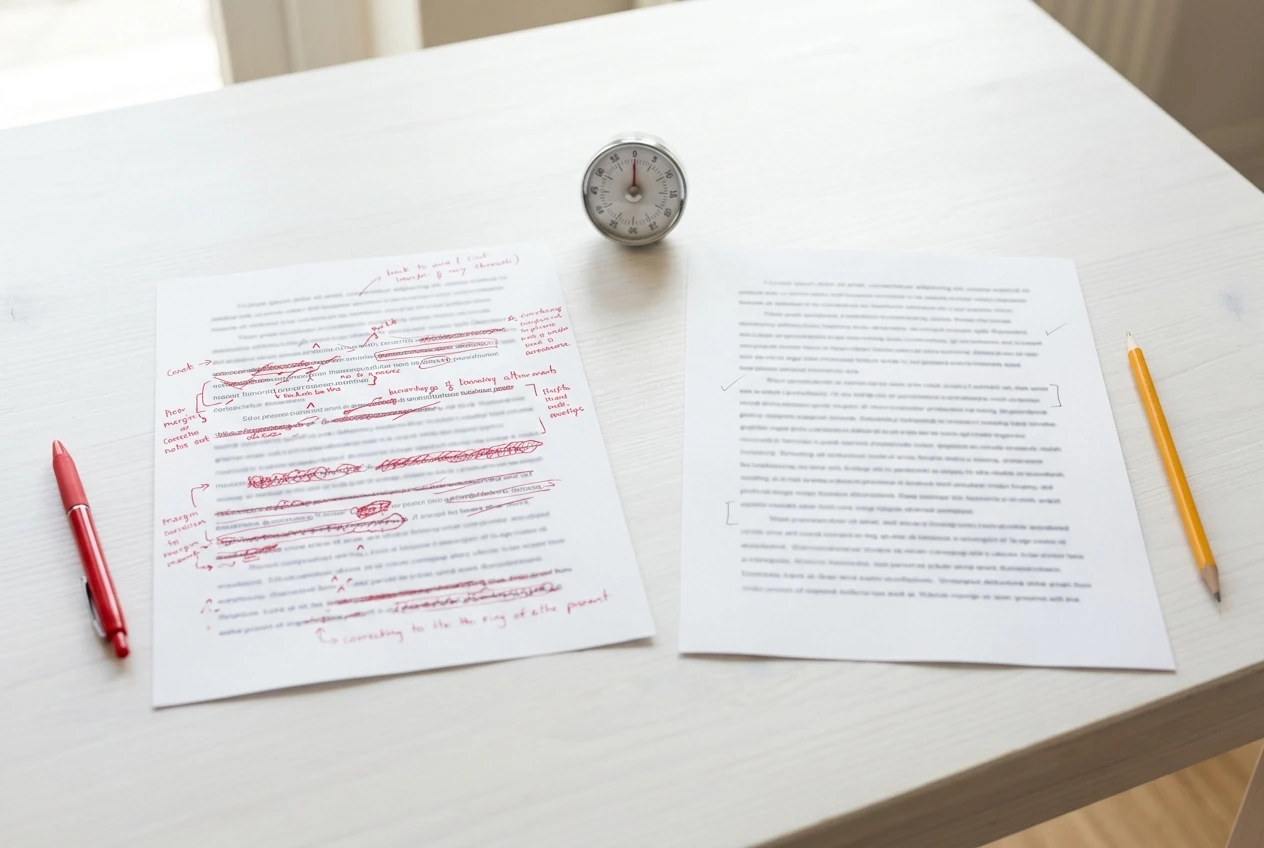
- Minutes to publishable. Set a timer and edit each draft until you would be comfortable putting your name on it. Include fact corrections in a separate figure so you can see how much time went to style and how much to accuracy.
- Share of text changed. Compare the final version with the first draft using a document compare feature. If you rewrote half the words, the draft saved you less time than it seemed to.
Add one outside opinion
Remove the tool names, label the drafts A and B, and ask one person from your target audience which one they would rather read. A beginner is the right judge here, because you already know too much about the topic to read it fresh. Ask them to mark any sentence where they got lost.

Where each tool fits into a business blog workflow
Once you have accuracy and readability numbers, the next question is practical: where in your process does each tool earn its place?
Jasper AI is built as a marketing content platform. Its design is around templates, saved brand voice settings and repeatable workflows, which suits a site that publishes many posts in a consistent style. Claude is a general-purpose AI assistant from Anthropic, used through conversation, where you can paste in long source material, ask for a revision, and push back on a section. Plans, limits and features for both change, so confirm what each one offers today on its own website before you decide.
Those design differences suggest where each might fit, and your test results will tell you whether they hold for your posts:
- Outline and first draft: Compare which tool gives you a structure closest to your outline with the least rework.
- Working from your own sources: If you paste in notes, documentation or a transcript, check which tool stays closest to it.
- Revision rounds: A conversation lets you say “shorten section three and define the term in paragraph two.” Try the same revision request on both and see which result needs less cleanup.
- Keeping a consistent voice across posts: If you publish often, test whether the tool holds your tone from one post to the next without you restating it each time.
- Final polish: Both can suggest edits to a human-written draft. Test that too, since it is often a safer use than writing from nothing.
For a travel or affiliate site, there is one more use worth testing: asking a tool to review a draft you wrote yourself and flag sentences that make factual claims. That gives you a starting list for the claim log, though you still do the checking.
My own rule on where the work sits: the tool drafts, you verify, and you decide what goes live. The safety habits I wrote up for building a business website apply to AI-assisted writing as much as to anything else on your site.
Which one to pick for which kind of post
The answer should come from your scores, and the table of results you have built is more reliable than anyone’s general opinion. Use these decision rules to read it.
Choose the tool with the higher accuracy rate for posts where a wrong sentence does damage. That means anything about money, legal requirements, health, safety, or step-by-step setup. A slightly rougher draft that is mostly right beats a polished one with three unsupported claims.
Choose the tool with the lower editing time for posts that are mostly opinion, experience or general advice. When there are few hard facts, the cost of a draft is mostly your cleanup time, and the readability score matters more.
Choose the tool that handles your supplied sources best for posts built on documentation, research or your own notes. The less it adds beyond the material you gave it, the less you have to remove.
Use both when the results split. If one tool wins on accuracy and the other on readability, a workable approach is to draft with one and use the other to tighten the language, then run the claim log on the final text, not on either intermediate version.
Retest when something changes. A tool update, a new plan or a new model version can change results. A short retest on a 600-word post is enough to check whether your earlier conclusion still holds.
Keep the post type in your notes. After three or four tests you will have a short list such as “tool A for setup guides, tool B for opinion posts,” built on your own data and not on a guess.
What to check before you publish any AI-assisted post on your site
Run this list on every AI-assisted post, whichever tool wrote it. It takes a few minutes once the claim log is done.
- Every number has a source. Prices, percentages, limits and dates all appear in your log with a page you opened.
- No unsupported claims remain. Each one was confirmed, corrected or deleted.
- Instructions were followed in the real interface. If a post tells readers to click through a menu, you clicked through it.
- Anything described as current is current today. Check the date on your sources, and remove “now” and “latest” if you cannot confirm them.
- Legal and disclosure statements match an official source for the country your readers are in. If your post includes affiliate links, the disclosure on the page must meet the rules that apply to you.
- No invented experience. If the draft says “I tested” or “in my experience” and that is not true of you, rewrite it. Your readers trust a post because a real person stands behind it.
- Names and links work. Product names are spelled correctly, and every link goes where you say it goes.
- A beginner can follow it. Read the post aloud once. Anywhere you stumble, a reader will stumble too.
- The post sounds like you. Adjust the tone until it matches the rest of your site.
- You hold the final say. The tool never publishes anything. You do, so you are the one accountable for every sentence.
One habit protects you more than any tool setting: keep the claim log for each post. If a reader reports an error later, you can see where the claim came from and fix it in a minute.
Your turn
Pick one real post from your own site, give both tools the same brief, and tell me in the comments which draft you would publish and why.