

My very first business website changed almost everything for me. It gave me somewhat of a professional face, helped people find my shared experiences online, and created a place where customers could reach out anytime. Setting up a business website might sound big at first, but having one is now a basic step for building trust and growing any company. So here is my 1st explanation for creating a business website:
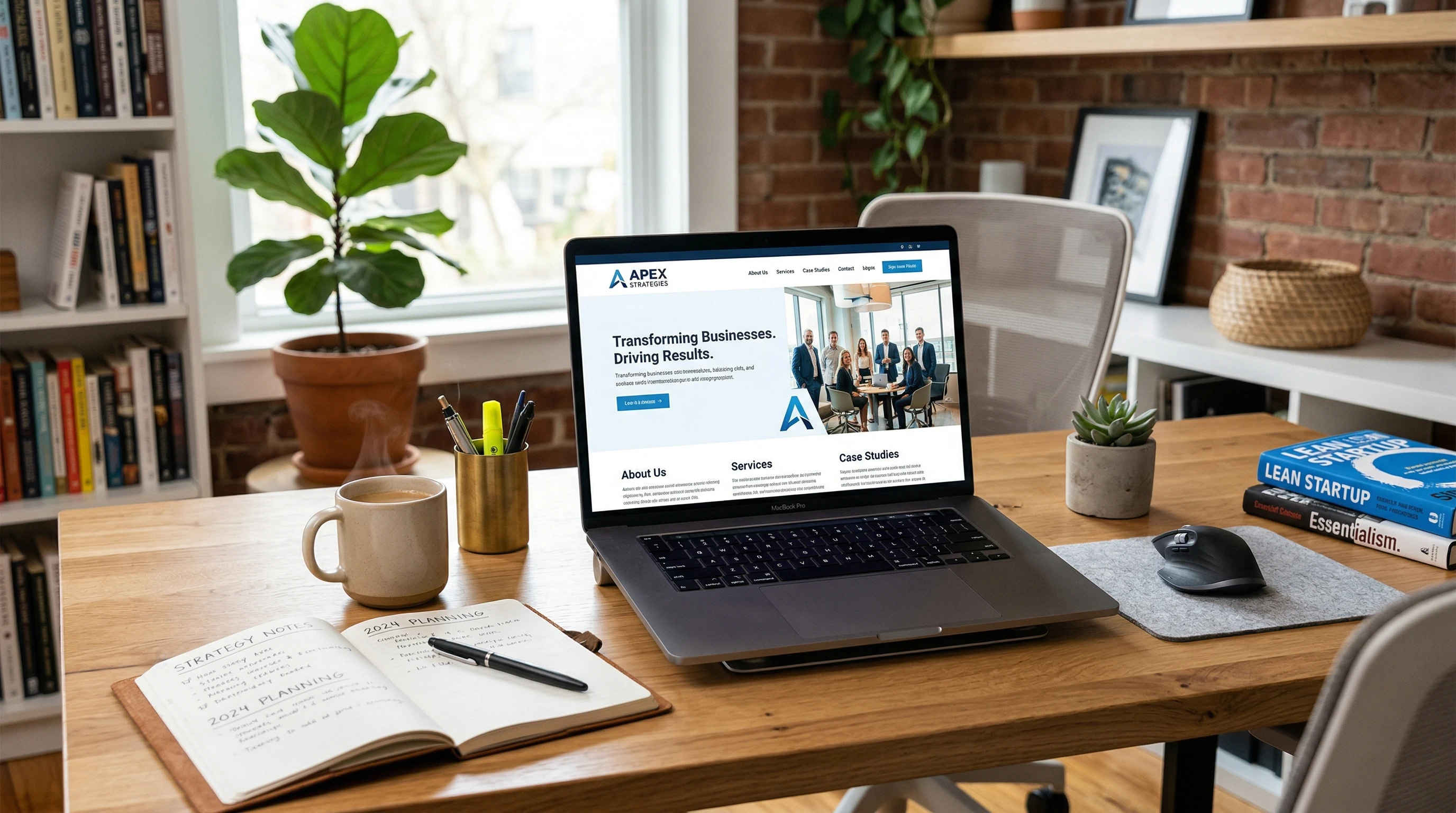
Without a website, I found it really hard to stand out. People would ask, “Do you have a site where I can see what you offer, or read reviews?” Not having a good answer meant leaving money on the table. So, I decided to build my first business website and quickly started seeing more leads, easier sales, and better connections with customers.
This guide shares the early explanation and reason behind creating my first business website. Here’s how I figured out the core benefits and made it work for my brand. I do have to make one thing clear though. My brand started out only as a book seller. And I sold only one book; MY book.😀
It was only after I started building my website to sell my book, did I decide to expand my business into an affiliate marketing business.
Knowing Why a Website Matters for My Business:
The internet is often the first place people look for businesses now. Before I launched my website, I relied mainly on word of mouth and local networking. It worked, but growth was slow because it was only a few family members and co-workers who bought and gave it as a gift to friends. How long can THAT last? Whenever I tried to reach new customers or offer information about my book, time and distance became huge barriers.
When I searched for fellow authors, I saw that most (if not all) already had websites. Their info was easy to find, and their brands looked more trustworthy. I realized that if I wanted my business to keep up, and really reach more customers, I needed to be online too.
Main Benefits You Will Notice
- A website is always open. Customers could learn about your offerings 24/7, not just during your working hours.
- It’s the main spot to share your story, list services or products, and answer the questions that you will kept getting.
- Your business will gain instant credibility because a real website feels trustworthy compared to just a social media page.
- Search engines will send you potential customers who’d never heard of your business before.
Having a website will turn these benefits into daily opportunities to connect with buyers, get feedback, and grow sales.
Planning My Website’s Purpose and Goals:
Before building anything, I asked myself what my website should actually do. I didn’t want to just make an online business card. I needed it to support my goals. This step helped me focus and avoid getting lost in extra features or designs that wouldn’t help real customers. I wanted to sell my book. I wanted to share my experiences that lead to my writing the book. By the time I decided what direction my website would take, I had started to build two websites. One Travel Blogger website (my book is travel related) and this Affiliate Marketing related website.
Questions That Helped Me Plan
- Who’s my target audience? Am I drawing in local clients, or reaching people from other places?
- What problems do my customers have, and how do I solve them?
- Do I want people to contact me, request a quote, make a purchase, or just learn more?
- What makes my business different from the competition?
Goals I Set for My First Website
- Let customers find and contact me easily (phone, email, web form). I am presently researching various email platforms. It always takes me a long time to make such decisions so it may take awhile. I will update this article when I make the decision.
- Help visitors trust my business by showing reviews and testimonials.
- Share detailed info about my services, pricing, and business values.
- Start building an email list for future updates and promotions. I will build my list as soon as I decide on the right platform for my websites.
Once my goals were set, it became much easier to pick what content to include and how to organize each page. This planning stage took a bit of time, but it saved me so much hassle later. By thinking through what my future clients would want to know, I put myself in their shoes and mapped out their paths to getting answers on my site. I also read a few successful competitor websites and took notes on what made their pages appealing or easy to use.
Designing with Customers in Mind:
The look and feel of my website mattered more than I expected. People judge companies quickly online, and I didn’t want to lose visitors before they even read what I offer. I focused on making everything simple, welcoming, and easy to use, especially for new customers who didn’t know me yet. There are no flashing banners or anything like that in my articles.
Design Tips I Followed
- Keep the homepage clean, with clear directions (“call me,” “learn more,” “get a quote”).
- Use your business colors and logo to make the site feel professional and consistent.
- Add high quality images that show your products or results of your services so people could see what to expect.
- Make sure the text is easy to read, with short paragraphs and plenty of space.
I tried to maintain a balance between visuals and text. Too many graphics can slow down the loading time, while big blocks of text may feel overwhelming to visitors. I also checked how my website looked on mobile phones, since more people browse the internet from their phones now. Ensuring a mobile friendly design helped me appeal to a wider group of potential clients.
By keeping these basics in mind, people who visited my site could quickly understand who I am, what I do, and how they could get in touch.
Setting Up the Right Content:
Once your outline is ready, write content that directly answers your customers’ questions. Try not to over complicate things. Focus on being clear, friendly, and practical in every section. Here’s what I included as my starting point:
- Homepage: This page introduced me and my business, shared what I offered, and guided visitors to learn more or get in touch.
- About Page: I told my business story so people could connect personally with me. Sharing my reasons for starting the company helped build trust.
- Services/Products: I listed my main offerings and explained each one in simple terms. Pricing is clear for my book (travel blogging site) and for the Wealthy Affiliate platform premium tiers (Affiliate Marketing related site) so the prices are there. If the prices are more complicated, offer a way for customers to request a quote.
- Contact Page: This page showed all the easy ways customers could reach me: phone, email, contact form, and for some businesses, sometimes a business address. My business is strictly online.
- Testimonials/Reviews: I collected honest feedback from early clients and posted it to help new visitors feel more confident in choosing my business. I have about 250 comments on my articles at the time of this writing as well as one testimonial article.
Larger sites might add more features, but starting simple helped me launch fast and keep things easy to manage. I updated the site as my company grew and learned what mattered most to my visitors. Over time, you can add a FAQ page to answer the common questions you hear, and a gallery of completed work, which will boost credibility and helped future customers picture results for themselves.
I actually do not have a FAQ page because I started to add FAQ sections to my articles. At the time of this writing, I imagine that half of my articles do have FAQ sections towards the end of them.
Building Trust & Credibility Online:
Trust is everything in business. My website made earning that trust simpler by letting me highlight experience, show off positive customer reviews, and outline clear business policies. Small touches, like having a privacy policy and SSL certificate (for site security), helped show I care about keeping visitors’ information safe.
- Real testimonials from your buyers will show you have delivered good results.
- Clear “About Me” info will make your site feel personal and relatable.
- Adding links to business credentials or industry awards will boost trust even more.
Another way I gave visitors extra confidence was by adding photos of myself and my family. Faces behind the business let people get a sense of my company’s values and approach. I also included an FAQ section that cleared up common worries, like turnaround time or refund policies, right up front.
Taking these extra steps helped visitors feel more comfortable partnering with my business, especially if they didn’t know me before landing on my site and the Wealthy Affiliate landing page.
Making Sure My Website Gets Found:
No matter how good a site looks, it’s not very helpful if no one finds it. I learned that search engines like Google help people stumble upon my site, but only if my content matches what people are searching for. I focused on the basics of SEO (search engine optimization) to help more visitors find me online.
SEO Basics I Used
- Included keywords my customers use to describe my services or products within each page, especially in headings.
- Wrote clear meta descriptions for each page, making sure they were helpful and encouraged clicks.
- Added title tags that matched my business name, service, and location (when relevant) to help with local searches.
- Linked important pages together so visitors, and search engines, could easily explore my site.
I didn’t need to be a tech expert. By following a few simple steps, I was able to compete with businesses much bigger than mine. I also made sure to register my business on Google My Business, which helped me appear in local search results and maps. Regularly updating my content with blog posts or news let Google know my site was active and relevant, which also made a difference in how often I was shown in search.
Over the months, I paid attention to what keywords brought people in by using free analytics tools like Jaaxy and RankMath free version. I picked up on common questions my customers asked and added those answers on my site, bringing in more targeted visitors. This ongoing effort kept my website visible and helped me steadily bring in fresh leads.
Growing My Business Through Online Marketing:
Building my website was only the start. To actually grow, I let people know about it using social media.and I am even considering business cards that point to my web addresses. Once visitors landed on my site, I gave them small ways to keep in touch by posting regular blog updates. Newsletter signup forms are also a possibility.
- Sharing blog posts and useful tips showed I knew my stuff and kept visitors coming back for more.
- Special offers and news updates will be easy to share with an email list that can grow from website visitors.
- Social media links helped customers connect with my business in different ways, making my brand more familiar and trusted. This works really well. Google Search Console tells me that about 30% of the traffic to my websites are through social media.
This mix of methods can create a steady stream of new leads and can help you stay on top of the minds of returning customers. On top of that, I found that answering questions in local forums or community groups made people curious, driving more traffic to my website. Sometimes you would even be able to collaborate with other small businesses on special projects or shared posts, multiplying exposure for both you and who you are collaborating with.
You can also add a “resources” or “free tips” section offering downloads or checklists. This would not only establish you as a knowledgeable professional, but also encourage more people to join your email list. Sending out helpful content every few weeks will keep former clients aware of your latest services—many will even return for more or may refer others.
My Top Lessons from Building a Business Website:
What stands out the most from building my first business website is just how many doors it opened. Here’s what I wish I’d known on day one:
- Start simple. Focus on clear information and what benefits your customers. Fancy features can always be added later.
- Be yourself in your writing and design. My site didn’t sound like a big, generic company. Instead, it connected with visitors who valued my personal touch and story.
- Stay up to date. Regular updates showed my business was active and gave search engines fresh reasons to rank my website higher.
- Test and ask for feedback. Small tweaks based on customer suggestions made my site easier to use and helped me earn more business.
Getting these basics right set a solid foundation for long term growth. My business felt more viable and real, especially to clients stumbling upon me for the first time. The relationships you build in this way, with your website will lead to repeat business, more referrals, and a sense of pride in seeing your brand online. The internet changed how people shop or hire services; being part of it will mean staying relevant. Learning to update your site over time will add new skills and can make you more excited about running your business each day.
Common Questions About Starting Your First Business Website:
Isn’t a social media page enough?
Social media is helpful, but I found a website is the only place online where I have full control over my content, branding, and customer data. Platforms can change rules or remove pages, but my website is a lasting home for my business. Plus, a website is much easier to find through search engines, and not everyone uses the same social platforms. Having both is good, but a website is the solid foundation.
How much does a simple business website cost?
Expenses depend on design, hosting, and domain name. My first website cost about as much as dinner out with friends each month. Free platform options exist, but I preferred a paid plan for full control over my site and branding. It’s also worth considering that investing in a custom domain and hosting can help your site look more trustworthy. Some platforms bundle these features together, making setup smoother and more affordable for beginners. Over time, the small monthly investment paid off in leads and sales. Wealthy Affiliate, the hosting platform I use, has a free tier, a premium tier, and a premium + tier. You can stay on the free tier as long as you want.
Do I need technical skills to build my site?
My tech skills were limited at the start. With a website builder (like Wealthy Affiliate), I could launch a basic, professional site with no coding experience. Tutorials and community support helped me learn as I went. There’s plenty of step by step help, so don’t let a lack of technical know how slow you down. Many business owners start with templates and pick up new skills by experimenting and asking questions.
How long does it take to finish a business website?
I launched my site in one weekend by keeping things simple, just the essentials to start. I improved and expanded it over time. It took me 6 months to get my website indexed by Google. The first draft doesn’t have to be perfect; you can keep tweaking pages, adding photos, or expanding content once your site is live. The important thing is to get started, see how people use your site, and adjust based on real feedback over time.
If you ever feel stuck, don’t hesitate to look up guides or ask questions in online communities. There’s always someone who’s been in your shoes willing to offer advice. Remember, your website should evolve as your business grows. Keeping it flexible means you can easily update services, prices, or announcements without needing to start from scratch. Wealthy Affiliate has an excellent site support and a great community of veteran members who are very happy and quick to respond when you get stuck or have questions.
Take Action: Start Your Business Website Easily
Ready to build your first business website? I created all my early sites with the help of Wealthy Affiliate, an all-in-one platform for beginners and experienced business owners. Wealthy Affiliate gave me step by step lessons, website hosting, domain name options, and real community support, making it much easier to get going quickly and confidently.
- Simple website builder, perfect for first timers and those with limited tech experience.
- Free starter account to test out the features with no risk (stay on free tier indefinitely.)
- Training, tools, and support designed specifically for business owners who want to grow online.
Starting a business website is one of the most practical steps you can take for credibility, growth, and success. Check out Wealthy Affiliate now and see how quickly you can build your own site and reach new clients.
Your Next Steps
- Write one paragraph about your business and what you offer—this forms your homepage intro.
- Take or gather a few quality photos of your products, services, or workspace.
- Sign up for a Wealthy Affiliate starter account to start building your professional website today. The following link will take you to Wealthy Affiliate landing page.
Your business goals deserve a solid online home. Jump in and see how a simple, clear website can work for you, just like it did for me. Now’s the time to start turning your business into a trusted online destination and opening the door to a whole new world of clients and connections:
https://www.wealthyaffiliate.com?a_aid=2ee50e8b
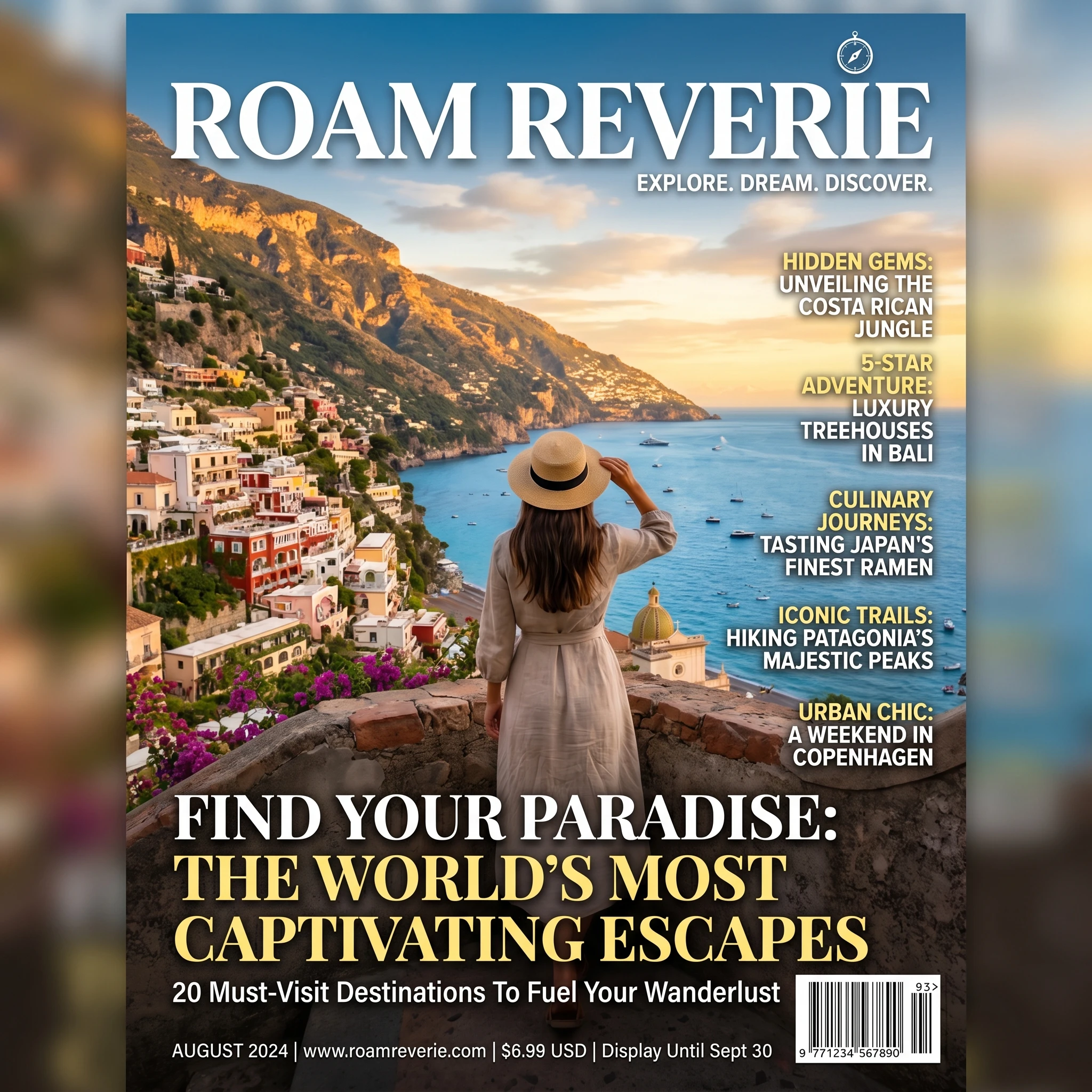
The above image is a magazine cover that I created with Image Studio. Image Studio is the Image generating tool on Wealthy Affiliates’ dashboard. It is very versatile and can even do it in different languages.
Click on the following link to read a really nice and informative blog post by Paulm18, veteran at Wealthy Affiliate. It is a really clear description of how a website and its articles should be put together.
This is a refreshingly honest breakdown of how a simple website can transform a small business. What stands out most is how you emphasized clarity over complexity, focusing on real customer needs instead of getting lost in design or technical details. The transition from selling your own book to expanding into affiliate marketing also shows how a website can evolve alongside your goals. I like how you highlighted trust as a core benefit, especially through testimonials and personal storytelling, which many beginners overlook. Your practical approach to SEO and content updates makes the process feel accessible rather than overwhelming. It’s also valuable that you acknowledged starting small and improving over time. This kind of realistic perspective helps others take action instead of waiting for perfection before launching.
Hello Andrejs, thank you for the very nice comment. This is a great confidence boost and I appreciate it very much. May we both have success in our online business journeys! MAC