

If you are starting an affiliate business today, the order you set tools up in matters more than which brand you pick. Each tool does one job, and some jobs only make sense after others are finished. A keyword tool is useless without a site to publish on, and an email platform is wasted effort before you have a page that earns signups.
Below are seven affiliate marketing tools for beginners, sorted by the job each one does, in the order I would set them up. Each has a safety check, because most beginner losses come from careless setup, not from missing software. The last section lists what to skip until your first commission arrives.
Start with a website you own, not a profile on someone else’s platform
The first tool is the website itself. A social profile, a marketplace page or a free blog on another company’s domain all run under that company’s rules, and the company can change those rules or close your account without asking you.
A site on your own domain belongs to you. I choose WordPress for this because it is widely used, it has a large plugin library, and nearly every tool in this article works with it. You need three things: a domain name, hosting, and the WordPress software installed on that hosting.

Safety check for your site
- Register the domain in YOUR name and under YOUR email address, never under a third party’s account.
- Turn on SSL so the site loads with https. Most hosts include it.
- Use a long, unique password and switch on two-factor login for both the hosting account and the WordPress admin.
- Keep WordPress, your theme and your plugins updated, and set up automatic backups before you publish anything.
- Write the basic legal pages (privacy policy, affiliate disclosure, contact) before you add your first affiliate link.
I wrote a longer walkthrough of this in how to build a business website safely, which covers the setup in more detail.
Keyword research: decide what to write before you write it
The second job is deciding what to write. Without research, you publish articles nobody searches for. A keyword tool shows you the phrases people type into search engines and roughly how many of them there are.
You do not need to pay for anything at this stage. Google Keyword Planner is free with a Google Ads account, and you do not have to run ads to use it. Google’s own autocomplete suggestions and the “People also ask” box show you real questions in your niche. A dedicated keyword tool, such as the one included in a membership platform, is fine too if you already have access to one.
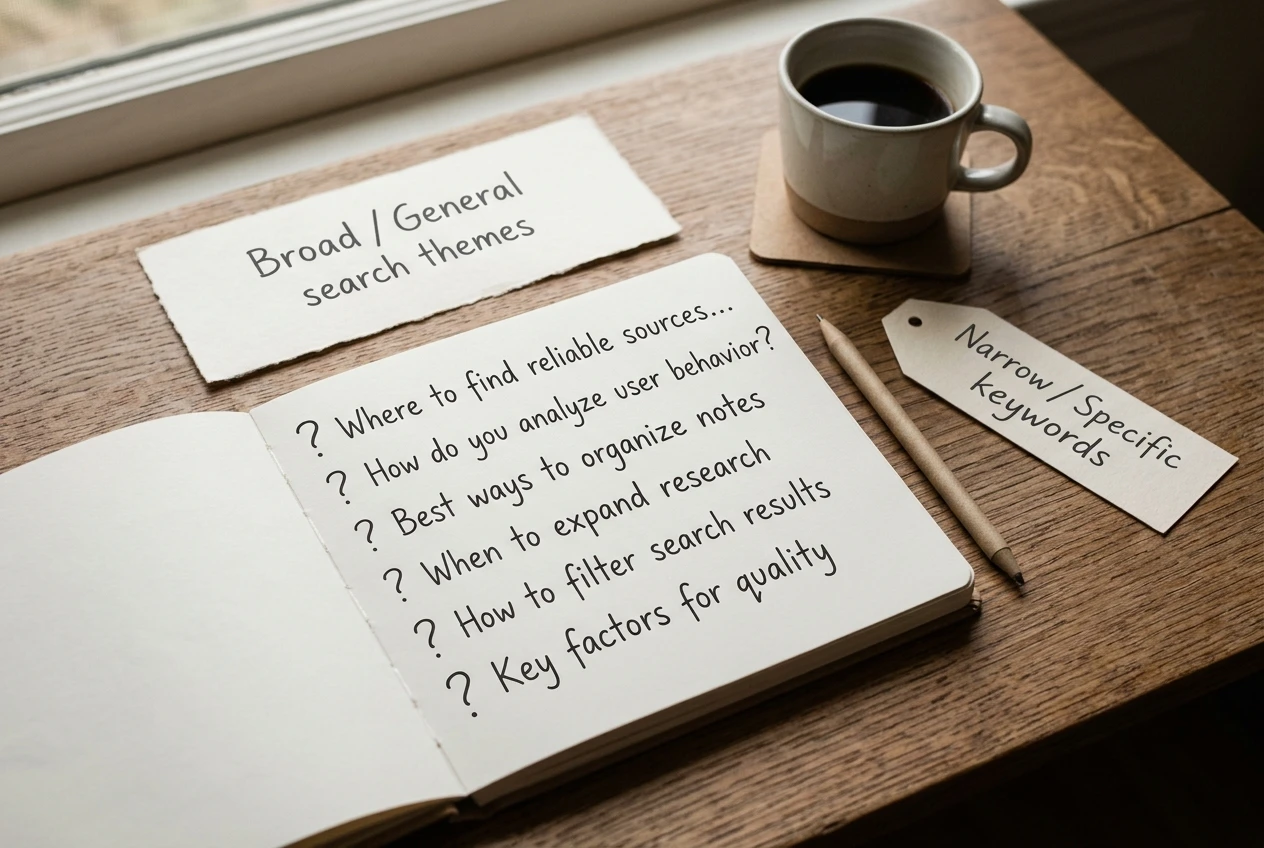
For a new site, I would choose specific phrases over broad ones. “Affiliate marketing tools for beginners” is a better target than “affiliate marketing”, because the person typing it has a clear need and fewer big sites compete for it.
Safety check for keyword tools
- Treat search volume numbers as estimates. Different tools give different figures for the same phrase.
- Search the phrase yourself and read the first page of results. If every result is a giant brand with years of authority, pick a narrower phrase.
- Ask what the searcher wants. Someone searching “best X for beginners” wants a comparison. Someone searching “what is X” wants an explanation. Write the type of page the results already show.
- Do not pay for a yearly plan until you have used the free options for a few weeks and know what you are missing.
Writing and editing: where AI helps and where it must not take over
The third job is producing the articles. AI writing assistants are useful here, and I would use one. They are good at four things: building an outline from a keyword, producing a rough first draft, tightening sentences, and catching spelling and grammar errors.
They are bad at facts. An AI tool can state a price, a feature or a refund policy with full confidence and be wrong. It also has no experience of any product, so any sentence like “I tried this and it worked” that comes from the tool is invented.
I compared specific tools on the same three tasks in my post on the best AI writing assistants for business websites. Here I only want to place the job in the build: AI is an assistant that drafts and edits, and you are the one who checks and decides.
Safety check for AI writing
- Verify every price, feature, date and statistic against the official source, usually the product’s own page or the affiliate program’s terms.
- Never publish a first-hand claim you cannot back up. If you have not used a product, say you are describing it from its public information.
- Never promise income. Earnings claims are the fastest way to lose reader trust and, in many countries, to break advertising rules.
- Read the final article out loud. If a sentence sounds like nobody would say it, rewrite it in your own words.
- Add something only you can add: your own opinion, your own examples from things you have actually done, and your own recommendations.
On-page SEO: the plugin that checks your work before you publish
The fourth job is checking each page before it goes live. An SEO plugin reads your draft and tells you whether the basics are in place: a title of a sensible length, a meta description, the target keyword in the right places, internal links, image descriptions and readable paragraphs.
For WordPress, Rank Math is the plugin I would install. It has a free version that covers these checks. I have a step-by-step on how to install Rank Math Pro for anyone who wants the paid tier, but the free version is enough to start.
The plugin also creates an XML sitemap and adds structured data to your pages, which helps search engines understand what each page is about. You set this up once and it works in the background.
Safety check for the SEO plugin
- Download it only from the official WordPress plugin directory or the developer’s own site. Plugins from random download sites can carry malware.
- Run ONE SEO plugin at a time. Two of them on the same site create duplicate tags and conflicts.
- Treat the score as a guide. A page with a perfect green score can still be a poor article. Write for the reader first, then use the plugin to catch what you missed.
- Before you publish, check that the “noindex” setting is off. If it is on, search engines are told to ignore the page.
Email list tool: the one asset no algorithm can take away
The fifth job is collecting email addresses. Search rankings move and social reach drops without warning. An email list is a group of people who agreed to hear from you, and you can reach them directly.
You do not need a large list at the start. You need a signup form on your site, a short welcome email, and a reason for people to subscribe, such as a free checklist or a short email series on your topic. I covered the practical side in 6 simple steps for turning visitors into subscribers.

Platforms such as MailerLite, Mailchimp and AWeber all do this job. I have compared them in separate posts, so I will not repeat that here. Pick one with a free plan or a low entry cost, and do not spend a week deciding.
Safety check for email
- Only email people who signed up themselves. Never buy, rent or scrape a list.
- Every email needs a working unsubscribe link and your sender identity. Many countries make these legal requirements, so check the rules where you live and where your subscribers live.
- Say on the signup form what people will receive and how often.
- Disclose affiliate links in emails the same way you do on the site.
- Send a welcome email right away and test the whole signup flow with your own address before you announce the form.
Affiliate programs and networks: how to check a program is legitimate before you promote it
The sixth job is choosing what you will promote. An affiliate program is run by a company that pays you a commission when someone buys through your link. A network, such as Awin or ClickBank, collects many programs in one account and handles tracking and payments. I compared two of them in my post Awin and ClickBank, so here I only cover the safety check.
Joining a program takes minutes. Checking it properly takes longer, and it protects your reputation, because your readers will trust your recommendation.

Run this check before you promote anything
- Joining is free. A legitimate program does not charge you to become an affiliate. Be careful with any “program” that asks for a fee before you can promote.
- The product is real. Read the product’s own site. Look for a clear description, contact details, and independent reviews that are not written by other affiliates.
- The terms are written down. You should be able to find the commission rate, the cookie duration (how long a click is credited to you), the payment threshold, the payment schedule and the rules on how you may promote.
- Payments have a track record. Search for the program’s name together with words like “payment” and “complaints” and read what real affiliates say.
- Refund and cancellation terms are clear. You will be answering readers’ questions about them, so know them.
- The income claims are realistic. Walk away from anything that promises quick or guaranteed money.
Then add your disclosure. Many countries require you to say clearly, near the link, that you may earn a commission. Put a short sentence at the top of any page with affiliate links, and keep the longer version on your disclosure page. For more on spotting fraud, I wrote 10 urgent points to defend yourself from scammers.
Start with two or three programs that match your topic. A site that recommends a few products it knows well reads as more trustworthy than a site linking to forty.
Analytics: the few numbers worth looking at each week
The seventh job is measuring. Analytics tells you which pages get visitors, where they come from and whether they click your links. Two free tools from Google cover the basics:
- Google Search Console shows which searches your site appears for, how many times it appears (impressions), how many people click, and your average position.
- Google Analytics shows visitors, which pages they read and how they move through the site.
Your affiliate network or program dashboard adds the last pieces: clicks on your links and the sales that came from them. Together these three give you the whole path from search to commission.
The weekly check
Once a week, look at only these numbers:
- Impressions and clicks in Search Console, to see whether the site is appearing and growing.
- Your top five pages by visits, to see what readers want more of.
- Email signups for the week.
- Affiliate link clicks and any conversions in your program dashboard.
Do not check daily. A new site moves slowly, and daily numbers look random. A weekly look is enough to spot a pattern after a month or two.
Safety check for analytics
- Install the tracking code through a trusted plugin or the official instructions, not from a forum post.
- Add a privacy notice that says you use analytics. Some regions also require a cookie consent banner before tracking starts, so check the rules that apply to your visitors.
- Do not collect more than you need, and never put readers’ personal details into your reports.
What to skip until your first commission arrives
A new site makes money slowly, and spending before then adds pressure for no gain. I would leave these out until a commission has actually arrived:

- Paid advertising. Ads send traffic to pages that may not convert yet, and a beginner can lose money fast. Build the articles first.
- Funnel and landing page builders with monthly fees. WordPress and your email tool already cover the basics.
- A second or third AI writing tool. One is enough while you learn to edit well.
- A second email platform. Pick one and stay with it. Moving later is possible when you know what you need.
- Social media schedulers and posting across every network. If you want social media, choose ONE platform and post by hand.
- Paid backlinks and “traffic packages”. Bought links can lead to penalties from search engines, and bought traffic rarely buys anything.
- Expensive courses sold as shortcuts. Check for a free trial or a refund policy first, and compare the promise with what the page actually shows.
- Link cloaking and pop-up tools. They add complexity, and some programs forbid cloaked links. Read the program terms before using them.
- Heatmaps and advanced split-testing software. These need steady traffic to give meaningful results.
The seven tools above cost little or nothing at the start, apart from your domain and hosting. Your time is the larger investment, so spend it on writing helpful articles.
Put the toolkit together
Set the tools up in this order: website, keyword research, writing, SEO plugin, email, affiliate programs, analytics. Run each safety check before moving to the next, and publish your first article once the first four are in place.
See how I put these tools together inside Wealthy Affiliate, using my referral link, so you can build your own site step by step.