
Once someone joins your list, they expect to hear from you, and the first few days decide whether they keep opening your emails. If you are new to email, the quickest way to cover that window is one automated sequence that sends itself. This guide shows how to automate email sequences for beginners by building a single three-email welcome series for a business or travel affiliate website, from the trigger to the final test.
What an automated email sequence does, and what it can NOT do for you
An automated sequence is a set of emails written in advance and sent on a schedule that starts when something happens. In a welcome series, that something is a new subscriber confirming their signup. Each person gets the same emails in the same order, counted from THEIR signup date, whether they join at noon or at 3 a.m.

That saves you from sending the same “welcome, here is your download” message by hand every time. It also means a new subscriber gets a reply within minutes instead of whenever you next check your inbox.
Automation does not make your emails good. If the writing is vague or the offer is weak, a sequence sends vague emails to everyone, on time and without complaint. It also does not fix a small list: three emails to ten people will produce ten opens at most.
And it does not handle legal responsibility. You are still the sender, so the consent, unsubscribe and disclosure rules in this guide apply to you even though no human clicks “send”.
Start with one sequence: the welcome series
A beginner can build many kinds of sequences: product launches, re-engagement emails, abandoned carts, course drips. Leave all of those for later. The welcome series is the best first choice for three reasons.
- Everyone who joins gets it. Every subscriber passes through it, so the work pays off on your whole list.
- Attention is highest right after signup. The person has just chosen to hear from you, so they are more likely to open the first emails than anything you send later.
- It is short. Three emails is small enough to finish in one sitting and to fix quickly if something goes wrong.
Once the welcome series is running, you can add a second sequence in the same way. The skills carry over: a trigger, delays, content and stop rules are the same parts in every sequence.
Choose your email platform first
You need a platform before you can build anything, because the trigger, the timing and the stop rules all live inside it. Look for a platform that offers automation or autoresponders on the plan you can afford, adds an unsubscribe link to every email automatically, and lets you put your signup form on your website.
If you have not picked one yet, my comparison of MailerLite and AWeber covers the differences between two popular options. Check each platform’s current pricing and free plan limits on its own website before you decide, because those details change.
Do not spend weeks comparing. A beginner’s first sequence will work on any mainstream platform, and the writing matters far more than the tool.
Plan the three emails: deliver the promise, tell your story, make one honest recommendation
Write the plan before you open the platform’s editor. Each email has one job, and giving it only one job keeps it short enough that people finish reading it.

Email 1: deliver the promise
Your signup form promised something: a checklist, a guide, a weekly tip, or simply your updates. Email 1 delivers it immediately. If there is a file, put the download link near the top. If the promise was a newsletter, say what will arrive and how often.
Keep the subject line plain and recognizable, such as “Your checklist is inside” or “Welcome, here is what you signed up for”. Then add a short paragraph on what the next two emails will cover, so the subscriber knows more is coming and watches for it.
One more line helps: ask the reader to reply with a question, or to add your sending address to their contacts. Replies and contact additions tell mailbox providers that people want your emails, which helps them reach the inbox.
Email 2: tell your story
The second email answers “who is this person and why should I listen?” Write it about YOUR real situation, and only what is true. Cover why your site exists, who it is for and what a reader will find on it. If you build travel affiliate sites, say so and explain what kind of travel content you publish.
You do not need a dramatic tale. A clear, honest description of your site and your experience builds more trust than an invented journey that a reader may later find does not add up. If you do not have a story yet, describe the site’s purpose and who it helps, and link to your About page.
Close with one link to your most useful existing article so the reader has somewhere to go next.
Email 3: make one honest recommendation
The third email is where you may recommend something, and the key word is ONE. Pick a single product, tool or service that fits the problem your subscriber joined to solve, and explain why it fits.
Recommend only what you have used or have checked carefully. State who it suits and who should skip it, because a recommendation that names its limits is more believable than one that praises everything. If the link is an affiliate link, say so plainly (the disclosure section below explains how).
If you do not have anything you can honestly recommend yet, make email 3 a “start here” email linking to your three most helpful pages. That is a perfectly good third email, and nobody is harmed by waiting.
Set up the trigger, the delays between emails and the stop rules
With the plan written, you can build it in the platform. Platforms use different names, usually “automation”, “workflow” or “autoresponder”, but the structure is the same.
The trigger
The trigger is the event that puts a person into the sequence. For a welcome series, choose “subscriber joins a specific group or form”. If your platform offers double opt-in, where the person clicks a confirmation link in an email before being added, set the trigger to fire after confirmation, not at the moment of form submission. That way only confirmed addresses receive your emails.
If your site has more than one signup form, decide whether each one gets its own welcome series. A beginner with one form should connect that form to this one sequence and leave it there.
The delays
The delay is the wait between one email and the next. A sensible starting schedule is:

- Email 1: immediately after signup, because the subscriber is looking at their inbox right now.
- Email 2: two days after email 1.
- Email 3: two to three days after email 2.
These numbers are a starting suggestion, not a rule. The principle is to space the emails closely enough that the subscriber still remembers you, and widely enough that you do not crowd their inbox. Your platform’s reports will show whether people keep opening after the gap.
Check the time zone setting too. If your platform sends at a fixed time of day, make sure it is a reasonable hour for most of your readers.
The stop rules
Stop rules decide when someone leaves the sequence early. Check that these are in place:
- Unsubscribes: anyone who unsubscribes must receive no further emails. Most platforms handle this automatically, but confirm it in the settings.
- Bounced or invalid addresses: these are normally suppressed by the platform, so you do not need to manage them by hand.
- People already on your list: if existing subscribers are added to the group later, decide whether they should receive the welcome series. Usually they should not, since they have already been welcomed.
- Finishing the sequence: after email 3, the person should move to your regular list and receive future broadcasts, not loop back to email 1.
Some platforms can also remove someone from the sequence when they click a particular link or buy a product. You do not need that for a first build, but know it exists for later.
Keep it safe: consent, unsubscribe links and affiliate disclosure
Three rules keep an automated sequence on the right side of both the law and your readers’ trust. I am not a lawyer and rules differ by country, so treat this as a basic checklist and read the requirements for the places where your subscribers live.
Consent
Only email people who asked to hear from you. Your signup form should say clearly what they will receive and how often, for example “Weekly travel-site tips and occasional recommendations”. Do not add people to your list from business cards, purchased lists or contact forms where they asked a different question.
In the European Union and the United Kingdom, data protection rules require consent that is freely given, specific and informed. A pre-ticked box does not meet that standard, and a short plain-language statement beside an unticked box does. Many beginners use double opt-in to keep a clear record of consent, and I recommend it.
Unsubscribe link and sender identity
Every commercial email needs a working unsubscribe link, and in the United States the CAN-SPAM Act also requires a valid physical postal address in each message, accurate sender details and subject lines that do not mislead. Reputable platforms insert the unsubscribe link automatically, and they will ask for your address when you set up your account. Do not delete or hide that footer.
Honor opt-outs quickly. In practice, your platform does this for you the moment someone clicks the link.
Affiliate disclosure
If an email contains an affiliate link, tell the reader BEFORE they reach it that you may earn a commission if they buy through it. In the United States the Federal Trade Commission expects disclosures to be clear and placed close to the recommendation, not buried in a footer. A sentence like this works:
“This email contains an affiliate link, which means I may earn a commission if you buy through it, at no extra cost to you.”
Only write “at no extra cost to you” if that is true for the specific program. Check the program’s terms. Put the sentence in email 3 directly above the recommendation, and again beside any other affiliate link you add later.
Test it on yourself before a real subscriber gets it, then check what happened
Before you publish the sequence, sign up through your own form using an email address you control. A second address you own, such as a free webmail account, works well, because you see exactly what a new subscriber sees.
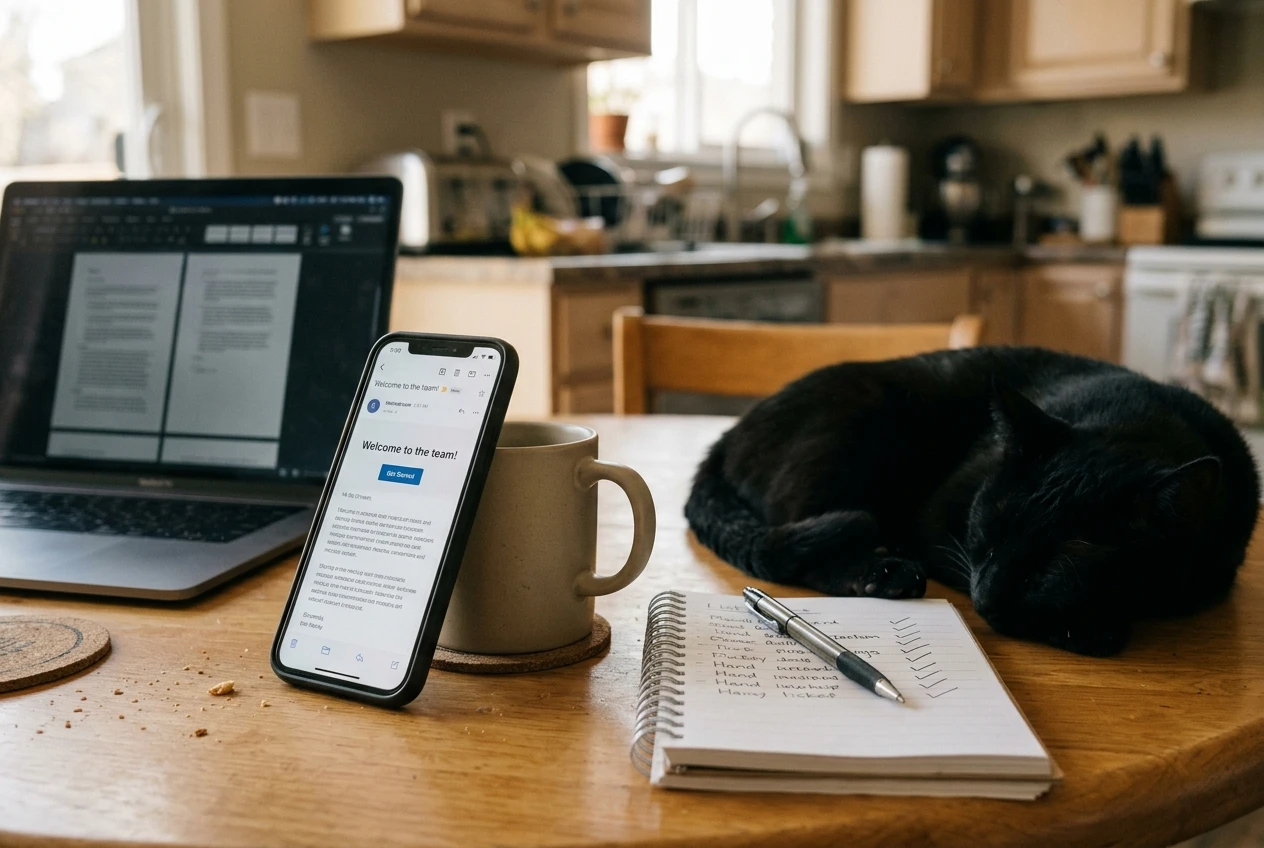
Then check each of these:
- The first email arrives within a few minutes of signing up.
- The links work: click every one, including the download and the unsubscribe link.
- The formatting holds up on a phone, since many subscribers will read there.
- The sender name and subject line look the way you intended, and the email is not in the spam folder.
- The delays are correct. Some platforms let you shorten delays temporarily for testing. If yours does, use that, and then set the real delays back before going live.
- The disclosure sentence appears above the affiliate link in email 3.
Once the sequence is live, look at your platform’s reports after the first handful of real subscribers have gone through. Check open rates and click rates for each email, and note where people unsubscribe. A big drop after email 2, for example, suggests the story email is too long or too self-focused. Change one thing at a time, so you know which change made the difference.
A sequence only works if people are joining your list. If your signup numbers are low, my guide on turning visitors into subscribers covers how to get more people onto the list in the first place.
Your next action
Open your email platform today and build just the first email of your welcome series, then come back and add emails two and three.